Turn Messy Business Tasks Into Automated Systems | No consultants. No coding. Just clear workflows.

Most businesses don’t have a motivation problem. They have a process problem.
Have you ever stared at your inbox thinking:
“Why is this task haunting me again? Why does onboarding take forever? Why does scaling feel like chaos?”
It’s a common struggle. According to a 2021 UiPath, Inc. study, about 67% of the workforce feels overwhelmed by repetitive tasks, with inefficient processes causing employees to lose 20% of their time to unnecessary rework.
The real issue? Workflows are not built to scale.
Why Your Tasks Stay Messy (And How They Snowball)
It starts innocently:
“I’ll just handle this myself.”
Then: “I’ll show the team when they join.”
Suddenly:
- No one knows the “right” way.
- Tiny changes break everything.
- Automation? Feels like a gamble without docs.
According to Harvard Business Review (2025), failing to break down ‘knowledge silos’ can slash productivity by nearly a third.
When expertise stays localized in individual heads rather than being documented, companies face a 25–30% performance penalty.
The Hidden Costs No One Talks About
Poor documentation of the work process is not just annoying, it’s expensive:
- The Rework Tax: Nearly a fifth of all weekly effort is redirected toward fixing previous tasks.
- The Scaling Trap: As output demands increase, accuracy suffers, leading to a 15–20% surge in errors.
- Failed automations: 70% flop without clear processes.
- Founder bottlenecks: You become the hero and the villain.
Fixes like more meetings or hires? Band-Aids. They ignore the root cause: a lack of clarity.
The Game-Changing Shift: Tasks → Systems
Stop asking: “How do we finish this today?”
Ask: “How should this work every time?”
This mindset unlocks three wins:
- Tasks turn into workflows — defined inputs, steps, outputs.
- Delegation gets easy — train anyone, no micromanaging.
- Automation shines — spot what’s ripe for AI or tools instantly.
Automation begins before software. It’s clear thinking first.
What Top Teams Do (No Frameworks Required)
High-performers follow this dead-simple loop:
- Extract the process from someone’s head.
- Document in plain English.
- Cut waste and bottlenecks.
- Automate selectively.
- Review as you grow.
You can scale your ops by reducing manual work via documented SOPs.
AI’s Practical Role
Moving past the hype, AI functions best as a precision instrument:
- Audit Assistant: It detects the procedural flaws you might overlook.
- SOP Specialist: It converts casual notes into structured, ready-to-use documentation.
- Workflow partner: Suggests automations.
Efficiency is the new baseline. Deloitte found that using AI for process design slashes setup time by 35%. It takes the ‘overwhelming’ out of scaling and makes growth feel almost effortless.
Pick One Small Win for Today
Avoid the trap of total overhaul. Just pick one target to optimize:
- Repetition: A process that feels harder than it should be, like your weekly reporting.
- Friction: A process that feels harder than it should be, such as onboarding new clients.
- Scaling: Address a scalability issue, such as manual inventory tracking.
Document → Simplify → Automate. Watch momentum ripple.
A Resource to Jumpstart You
I built “The Business Process Automation Toolkit,” a plug-and-play prompt system to convert messy tasks into scalable workflows.
No fluff, just results.
Hiring an operations consultant costs between $2,000 and $ 10,000.
Learning automation tools takes months.
This toolkit gives you the same operational clarity and automation thinking, without the cost or complexity.
Day-One Results
- Turn messy tasks into clear step-by-step workflows
- Create professional SOPs in minutes
- Identify where automation will save time and money
- Design Zapier / Make automations without trial-and-error
- Delegate tasks cleanly to VAs or team members
- Scale operations without breaking quality
This is not a theory. This is execution infrastructure.
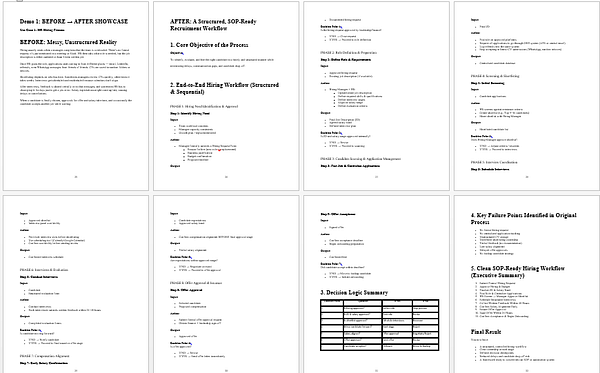
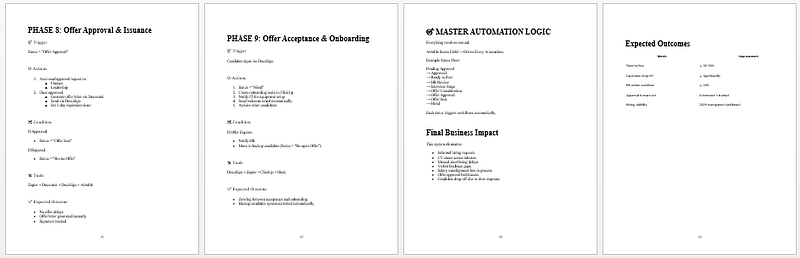
Demo 1: BEFORE → AFTER SHOWCASE
Use Case 1: HR Hiring Process

Demo 2: BEFORE → AFTER SHOWCASE
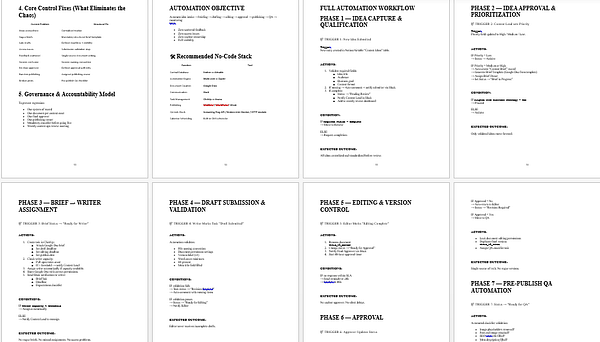
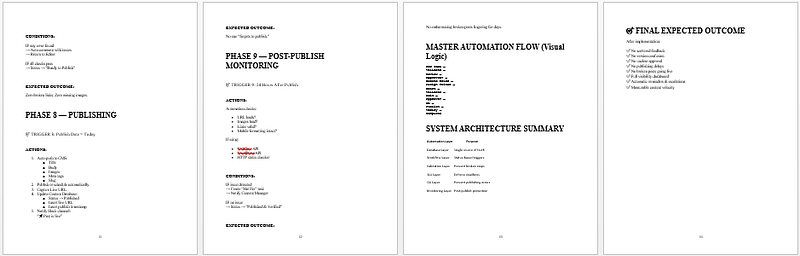
Use Case 2: Content Production Workflow